An urgent mobile security alert has been issued for billions of smartphone users worldwide following the discovery of active zero-day exploits targeting modern mobile operating systems. Smartphones are no longer simple communication handsets; they function as primary digital vaults housing mobile banking applications, multi-factor authentication tokens, confidential corporate emails, biometric credentials, and private communication archives. When security vulnerabilities are weaponized by threat actors, unpatched devices expose personal wealth and enterprise infrastructure to severe exploitation.
Recent cybersecurity bulletins from Google Project Zero and Apple Security Engineering highlight that delaying software updates leaves users vulnerable to remote code execution (RCE) and commercial spyware. Whether navigating mobile features on the Android 17 system update or configuring privacy settings on iOS 27 new features, taking immediate defensive action is critical. This comprehensive mobile security alert explains the active vulnerability landscape, threat vectors, and step-by-step hardening protocols to secure your mobile devices.
Table of Contents
Urgent Mobile Security Alert: The Escalating Threat Landscape
The severity of this mobile security alert stems from the industrialization of cyber offensive capabilities according to Cybersecurity and Infrastructure Security Agency (CISA) advisories. Advanced persistent threat (APT) groups and mercenary spyware vendors continuously scan mobile hardware for unpatched memory corruption flaws in image rendering engines, Bluetooth controllers, and baseband cellular processors.
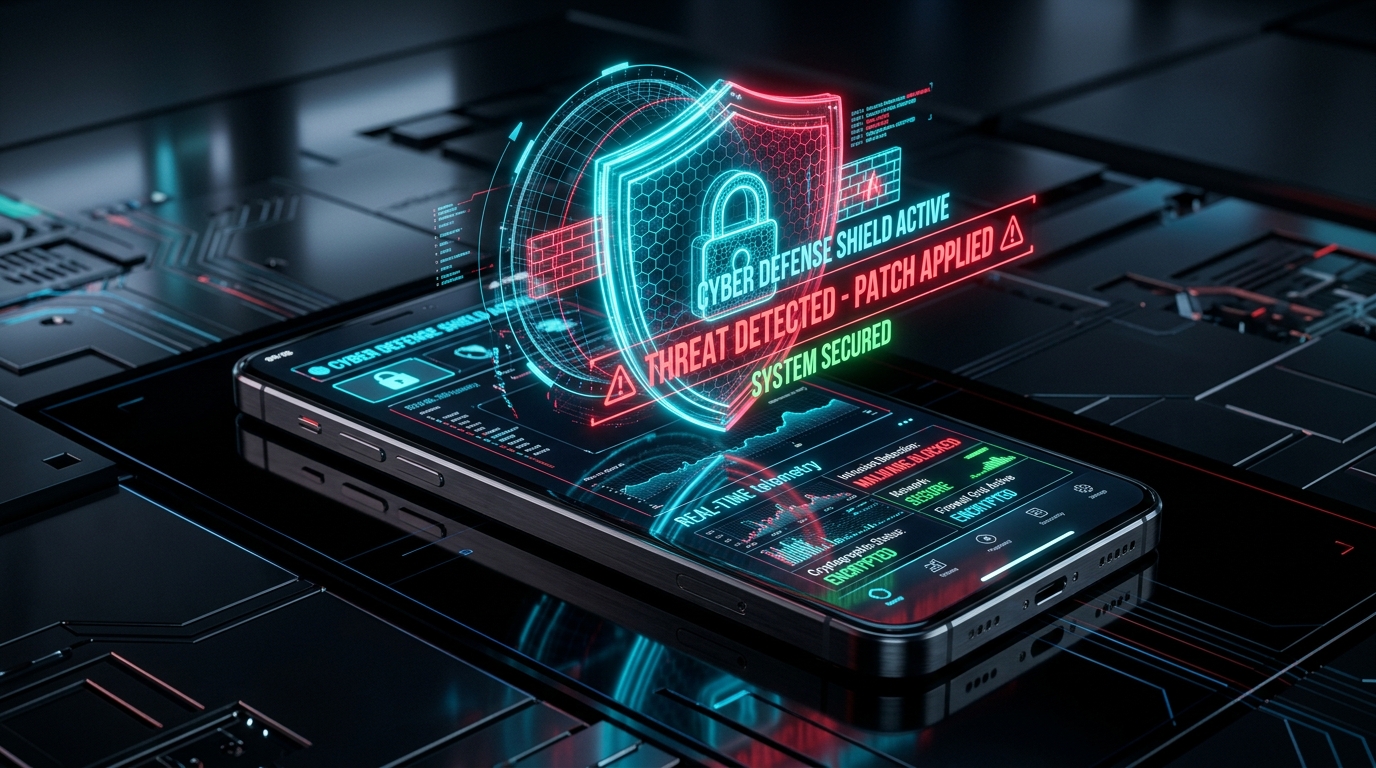
Modern mobile attacks rarely require users to click suspicious email attachments. Zero-click exploits can compromise an operating system simply by receiving a maliciously crafted image or text message in the background. Applying immediate security updates ensures your device kernel receives patched validation logic that neutralizes exploit payloads. Learn more about foundational digital defenses in our master what is cybersecurity guide.
Critical Zero-Day Vulnerabilities in Android and iOS
Both major mobile operating system providers regularly publish critical patches designed to remediate identified Common Vulnerabilities and Exposures (CVEs) cataloged in MITRE CVE vulnerability databases:
Android Kernel and Framework Exploits
Google’s monthly security updates frequently address high-severity vulnerabilities within the Android System, Media Framework, and Qualcomm/MediaTek proprietary driver components. Left unpatched, attackers can achieve local privilege escalation, bypassing Android sandbox boundaries to access camera feeds, microphone sensors, and SMS verification codes.
Apple WebKit and CoreGraphics Fixes
Apple security patches address critical WebKit browser engine and CoreGraphics memory buffer vulnerabilities. Processing maliciously designed web content could allow arbitrary code execution, enabling background surveillance without triggering user authorization alerts.
Top Mobile Attack Vectors: Malware, Phishing, and Rogue Apps
Understanding the primary infection pathways highlighted in this urgent mobile security alert empowers users to identify and thwart social engineering tactics before compromise occurs:
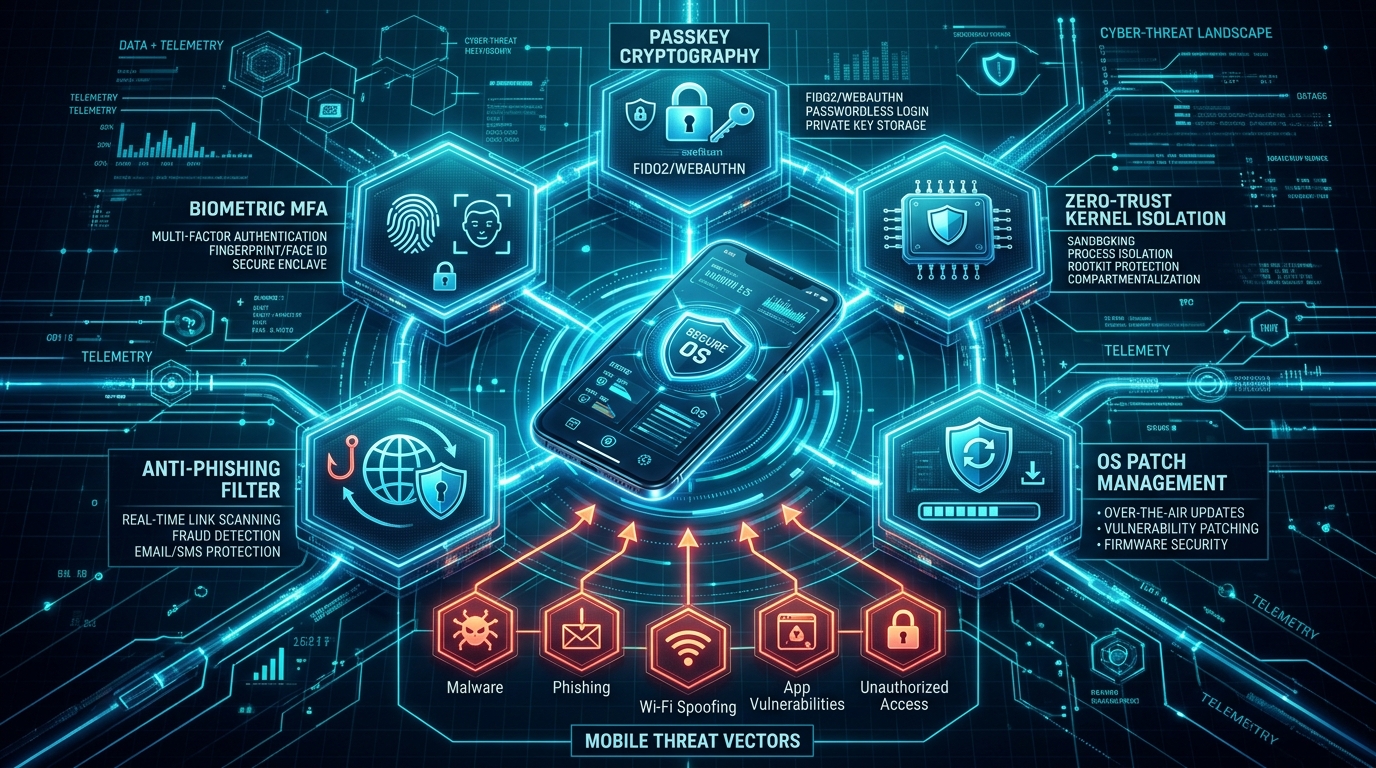
1. Malicious App Clones and Sideloading
Rogue applications disguised as legitimate utility tools, PDF scanners, or cryptocurrency wallets infiltrate third-party app repositories. Once installed, they abuse Android Accessibility Services to log keystrokes and overlay fake banking login screens.
2. SMS Phishing (Smishing) and Malicious QR Codes
Fraudsters dispatch urgent SMS messages claiming overdue toll payments, package deliveries, or bank account freezes. Scanning manipulated QR codes in public spaces (Quishing) can redirect mobile browsers to credential-harvesting phishing portals.
3. Over-Privileged Application Permissions
Many downloaded mobile apps request excessive system permissions, including background location tracking, contact list harvesting, and local storage read access. Review privacy controls in our dedicated digital privacy and data protection guide.
Essential Mobile Hardening: Passkeys, Biometrics, and MFA
Implementing layered defense mechanisms ensures that even if a threat actor intercepts your password, your accounts remain secure under this mobile security alert framework:
- FIDO2 Passkey Adoption: Replace traditional alphanumeric passwords with cryptographic Passkeys. Passkeys utilize public-key cryptography stored securely within your device’s hardware Secure Enclave, making them mathematically immune to remote phishing.
- Hardware-Backed Biometric MFA: Configure Face ID, Touch ID, or ultrasonic fingerprint sensors for device unlock and banking application authentication.
- Authenticator App Tokens: Avoid SMS-based two-factor authentication, which is susceptible to SIM-swapping attacks. Utilize hardware security keys (YubiKey) or authenticator apps (Google Authenticator, Microsoft Authenticator) instead.
- Encrypted Device Backups: Maintain automated, end-to-end encrypted cloud backups to prevent data loss in the event of hardware theft or ransomware lockout.
Network Security: Public Wi-Fi Risks and VPN Encryption
As highlighted in this mobile security alert, connecting to unverified public Wi-Fi networks in airports, cafes, or hotels exposes mobile traffic to Man-in-the-Middle (MitM) packet sniffing and rogue DNS redirection. When traveling, enforce these network protocols:
- Disable Auto-Join Wi-Fi: Prevent your device from automatically connecting to open, unencrypted wireless hotspots.
- Utilize Encrypted Virtual Private Networks (VPN): Route all outbound internet telemetry through verified encrypted tunnels.
- Disable Cellular 2G Connectivity: In device settings, disable legacy 2G network support to block malicious IMSI-catcher cell-tower spoofing attacks.
Comparative Matrix: Mobile Threat Vectors and Mitigations
The comparative matrix below outlines the primary threat vectors identified in this mobile security alert, along with their risk severity and recommended mitigation protocols according to mobile cybersecurity threat analysis:
| Threat Vector | Exploitation Mechanism | Potential Impact | Recommended Defense Strategy | Severity Rating |
|---|---|---|---|---|
| Zero-Day OS Exploit | Memory buffer overflow in kernel / WebKit | Complete device takeover & spyware | Install OTA security patches immediately | Critical (Tier 1) |
| SMS Phishing (Smishing) | Fake banking/toll alerts with malicious links | Credential theft & financial fraud | Verify sender via official apps; never click links | High (Tier 2) |
| Malicious Sideloaded Apps | Accessibility service abuse & screen overlays | Keylogging & OTP interception | Download exclusively from official app stores | Critical (Tier 1) |
| Public Wi-Fi Sniffing | Unencrypted rogue hotspots / DNS poisoning | Session hijacking & data leakage | Enforce VPN encryption & disable auto-connect | Medium (Tier 3) |
| SIM Swapping Attacks | Social engineering of mobile network telcos | Bypasses SMS-based 2FA codes | Migrate to hardware Passkeys & app-based MFA | High (Tier 2) |
Step-by-Step Guide to Verify and Install Security Patches
To ensure your smartphone is safeguarded against active zero-day vulnerabilities, verify your system software patch level following these steps:
For Android Users:
- Open Settings on your Android device.
- Scroll down and tap System (or Software Update on Samsung devices).
- Tap System update and select Check for update.
- Download and install any available security patch, then reboot your device.
- Verify that your Security Patch Level reflects the current calendar month.
For iPhone (iOS) Users:
- Open Settings on your iPhone.
- Tap General and select Software Update.
- Enable Automatic Updates and toggle on Security Responses & System Files.
- If a software update appears, tap Update Now and allow the installation to finish.
Incident Response: What to Do if Your Device Is Compromised
In alignment with this mobile security alert, if you observe suspicious device behavior—such as rapid battery depletion, unexpected overheating, unauthorized SMS dispatches, or unknown app icons—execute this incident response checklist immediately:
- Disconnect from Networks: Immediately toggle on Airplane Mode and disable Wi-Fi and Bluetooth to cut remote command-and-control server communication.
- Change Primary Account Passwords: From a separate, clean computer, change your primary Google Account, Apple ID, and banking credentials.
- Revoke Connected Sessions: In your account security settings, sign out of all active web sessions and mobile devices.
- Perform a Clean Factory Reset: Erase all device content and settings, re-installing the operating system cleanly without restoring unverified local backup archives.
Frequently Asked Questions About Mobile Security Alert
Why is this mobile security alert so important?
This mobile security alert addresses active zero-day vulnerabilities that threat actors are actively exploiting in the wild to bypass operating system security boundaries and exfiltrate private data.
Do I need third-party antivirus software on my smartphone?
For most users, keeping Android and iOS updated, avoiding sideloaded APKs, and using Passkeys provides superior defense compared to third-party battery-intensive antivirus utilities.
How often should I check for mobile security updates?
You should enable automatic system updates and manually check for software updates at least once every month following vendor security bulletin releases.
Can clicking a link in an SMS really hack my phone?
Yes. Malicious links can redirect mobile browsers to exploit chains that execute background payload downloads or deceive users into surrendering 2FA credentials.
Conclusion: Building a Resilient Mobile Defense Habit
Mobile cybersecurity is not a one-time configuration; it is an ongoing operational habit. By adhering to this mobile security alert, installing system patches promptly, adopting Passkey cryptography, and exercising vigilant app permission hygiene, smartphone users can effectively safeguard their digital identities and sensitive personal assets.
Strengthen your cybersecurity knowledge: review our master guide on what is cybersecurity, explore data privacy in digital privacy protection, or learn about our editorial standards on our About Us overview!