Krita is a premier, open-source krita digital painting program and 2D animation suite crafted specifically for concept artists, comic book illustrators, matte painters, and character animators. Developed by the KDE community and Krita Foundation under the GNU General Public License (GPLv3), Krita combines 9 distinct brush engines, real-time brush stabilization, seamless pattern wrap-around canvas modes, and dedicated frame-by-frame raster animation timelines across Windows, macOS, Linux, and Android tablets—100% free with zero in-app purchases or subscription tiers.
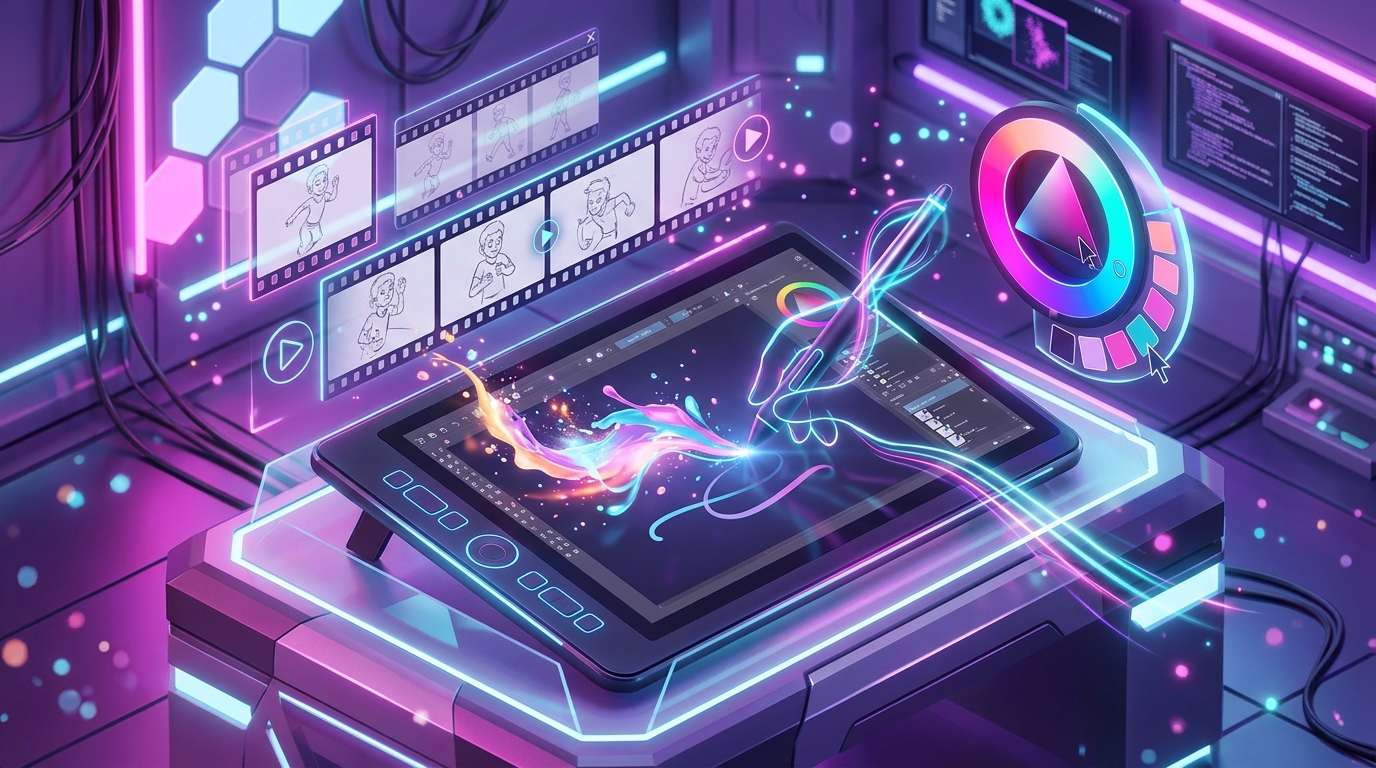
Krita
Developer: Krita Foundation / KDEFull-featured digital painting and 2D animation studio offering 9 custom brush engines, dynamic line stabilizers, frame-by-frame raster timeline, and advanced color depth management.
About Krita & The Digital Painting Engine
Krita has established itself as the gold standard in open-source creative technology. Designed from the ground up for artists rather than photographers, this world-class krita digital painting suite delivers an authentic drawing feel that replicates physical mediums such as oils, watercolors, charcoals, ink pens, and airbrushes with astonishing natural fidelity.
Backed by the KDE open-source community, Krita utilizes a hardware-accelerated OpenGL / Direct3D canvas that enables silky-smooth zooming, canvas rotation, and multi-layered rendering even on massive multi-megapixel print canvases up to 10,000 x 10,000 pixels.
Download Krita (Official Stable Release)
Routes directly to the official Krita Foundation portal at https://krita.org.
9 Distinct Brush Engines & Brush Stabilization
Unlike generic drawing programs with a single brush algorithm, Krita features 9 purpose-built brush engines catering to distinct artistic disciplines:
- Pixel & Color Smudge Engines: Blend digital paint live on the canvas, simulating wet-on-wet paint mixing with realistic color bleeding and pigment falloff.
- Bristle & Hair Engine: Computes individual brush hairs and physical bristle resistance for lifelike acrylic and oil painting textures.
- Sketch & Curve Engines: Generates dynamic intersecting pencil lines, mechanical cross-hatching, and intricate web structures.
- Clone & Deform Engines: Provides real-time smudge warping, Liquify-style shape expansion, and multi-source texture sampling.
- 3 Brush Stabilization Modes: Basic, Weighted Smoothing, and Stabilizer (with customizable delay distance and line trailing) to ensure perfectly smooth linework on any drawing tablet.
- Pop-up Palette: Right-click anywhere on the canvas to invoke an instant circular color ring, recent colors, tag presets, and canvas rotation controls.
Frame-by-Frame 2D Animation & Onion Skinning Suite
Krita integrates a complete 2D traditional animation studio directly inside the software. Animators can storyboard, layout keyframes, and produce finished frame-by-frame 2D animated sequences without switching to expensive external software.
Key animation capabilities include configurable Color-Coded Onion Skinning (viewing preceding frames in green and subsequent frames in blue), an audio playback track for lip-syncing dialogue, hold frame timing controls, and native export to MP4, GIF, or APNG sequences via FFmpeg integration.
Digital Painting Software Comparison Matrix
The comparative table below illustrates how Krita performs against prominent commercial digital illustration and concept art programs:
| Illustration Software | Pricing & License | Brush Engine Variety | Frame 2D Animation | Wrap-Around Canvas |
|---|---|---|---|---|
| Krita | 100% Free & Open Source (GPLv3) | 9 Dedicated Engines | Yes (Full Timeline & Audio) | Yes (Press ‘W’ Key) |
| Clip Studio Paint | Commercial ($49.99 / sub) | Raster & Vector Brushes | Yes (Limited on Pro / Full on EX) | No |
| Corel Painter | Commercial ($429.00 / sub) | Natural Media Engines | No | No |
| Adobe Photoshop | Commercial ($22.99 / mo) | Standard Pixel Brushes | Timeline (Basic Frame) | Pattern Preview Only |
Resource Management, Color Models & Python Plugins
Krita is engineered for high-end studio workflows with expansive technical versatility:
- Extensive Color Model Support: RGBA, CMYK (for professional offset printing), Lab, XYZ, and Grayscale at 8-bit, 16-bit, and 32-bit floating point depth with full ICC profile assignment.
- Wrap-Around Mode (Press ‘W’): Automatically tiles your canvas seamlessly in real-time, making Krita the premier tool for creating seamless game textures, textile patterns, and background wallpapers.
- Resource Bundles: Import and export complete brush packs, gradient palettes, patterns, and workspace layouts as single self-contained
.bundlearchives. - Python Plugin API: Automate canvas generation, layer batching, and custom UI dockers with Python scripts.
Step-by-Step Drawing Tablet Setup & Calibration Guide
Maximize your stylus sensitivity and linework precision with this 4-step setup:
- Download Official Build: Get the latest official installer for your operating system from the Krita download page.
- Configure Tablet Input API: Open Settings > Configure Krita > Tablet Settings. On Windows, select WinTab for traditional tablet drivers or Windows Ink for modern 2-in-1 touchscreen devices.
- Calibrate Pressure Sensitivity: Use the interactive pressure curve graph in Tablet Settings to draw test strokes, tailoring soft and firm stylus response to your natural hand pressure.
- Select Brush Workspace: In the top-right workspace switcher, select “Default” or “Big_Paint” to activate your ideal brush dockers, tool palettes, and color selector.
Technical Specifications Matrix
| Software Title | Krita |
|---|---|
| Lead Organization | Krita Foundation & KDE Community |
| License Model | Open Source (GNU General Public License v3) |
| Supported Platforms | Windows 11, 10 / macOS (Apple Silicon & Intel) / Linux / Android (Tablets) |
| Graphics Rendering | OpenGL 3.2+ / Direct3D 11 via ANGLE |
| Color Depths | 8-bit, 16-bit integer, and 32-bit floating point (RGB, CMYK, Lab, XYZ) |
| Official Domain | krita.org |
Frequently Asked Questions (FAQs)
Is Krita truly free for commercial artwork and book illustrations?
Yes. Krita is published under the GNU GPLv3 license. You own 100% of all intellectual property, illustrations, comics, animations, and game assets you create with Krita, with zero commercial fees or royalties.
Can Krita open and export Photoshop (.PSD) and Clip Studio files?
Yes. Krita natively opens and writes layered Photoshop PSD files, preserving raster layers, blend modes, and opacity levels. For Clip Studio Paint, you can exchange layered artwork seamlessly via the standard PSD format.
Does Krita support drawing tablets from Wacom, Huion, and XP-Pen?
Yes. Krita supports all major graphics tablet brands with full pen pressure, tilt sensitivity, barrel rotation, and stylus button mapping across Windows, macOS, and Linux.
How does Krita differ from GIMP?
While GIMP is primarily designed for photo retouching, image manipulation, and graphic editing, Krita is specialized for digital painting, concept art, manga/comic illustration, and traditional 2D animation.
Related Software & Creative Tools
Explore additional verified creative software and productivity tools curated on Osmanix: