OBS Studio (Open Broadcaster Software) is the gold standard, open-source obs live streaming and high-definition video recording suite designed for content creators, game broadcasters, educators, and enterprise media producers. Distributed under the GNU General Public License (GPLv2+), OBS Studio delivers real-time multi-source video compositing, hardware-accelerated GPU encoding (NVIDIA NVENC, Intel QuickSync, AMD AMF, and next-generation AV1), multi-track audio mixing, and seamless live broadcasting across Twitch, YouTube Live, Facebook Live, and custom RTMP/SRT servers—100% free without watermarks or paywalled feature gates.
OBS Studio
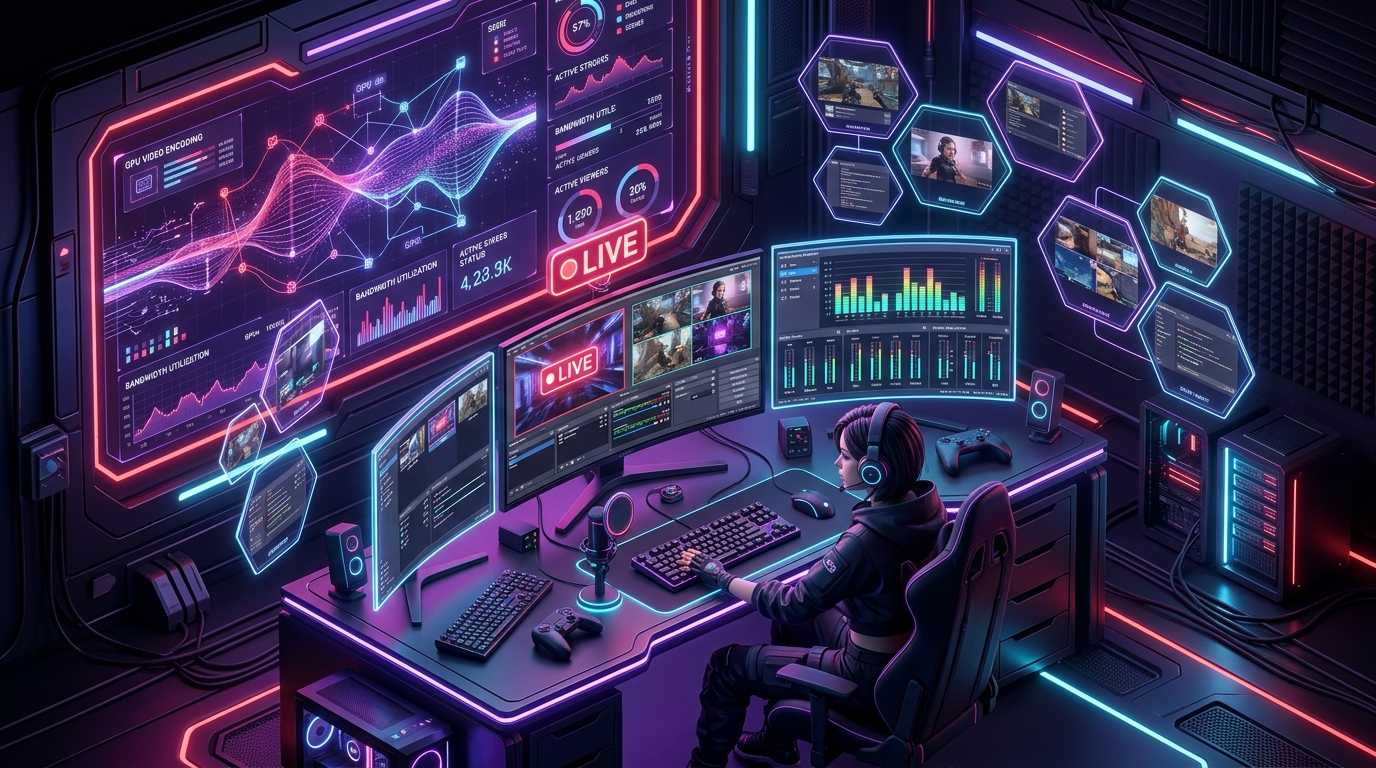
Developer: OBS Project CommunityHigh-performance live streaming and video capture workstation featuring real-time scene compositing, GPU hardware acceleration, AV1 video encoding, and multi-track audio mixing.
About OBS Studio & The Open Broadcaster Engine
OBS Studio is the undisputed backbone of modern internet broadcasting. Developed collaboratively under open-source governance, this high-performance obs live streaming workstation powers live productions ranging from solo esports gaming streams to corporate webinars, podcast broadcasts, and multi-camera studio productions.
Written in high-efficiency C and C++ utilizing hardware graphics pipelines (Direct3D 11 and OpenGL), OBS Studio renders composite video layers directly on the GPU. This eliminates CPU bottlenecking, ensuring crisp 1080p, 1440p, or 4K 60FPS video feeds with zero frame drops.
Download OBS Studio (Official Stable Release)
Routes directly to the verified official project servers at https://obsproject.com.
Modular Scenes, Source Overlays & Video Compositing
OBS Studio provides a canvas architecture that lets creators build unlimited customized scenes and switch between them dynamically:
- Versatile Video Sources: Game Capture (direct DirectX/Vulkan hook), Display Capture (monitor screen recording), Window Capture, Video Capture Device (DSLRs, webcams, Cam Link), and Browser Source (HTML/CSS alert widgets).
- Studio Mode: Preview upcoming scenes and tweak text overlays, camera framing, or lighting adjustments privately before transitioning live to your audience.
- Dynamic Scene Transitions: Fade, Cut, Swipe, Slide, Stinger (video animations with alpha transparency), and Color Correction wipe transitions.
- Virtual Camera: Output your entire composited OBS canvas directly into Zoom, Microsoft Teams, Discord, or Google Meet as a virtual webcam.
Hardware Accelerated Video Encoding (NVENC, QuickSync, AMF & AV1)
Modern live streaming and video capture requires extreme computational bandwidth. OBS Studio integrates dedicated hardware video encoders across all major GPU manufacturers:
- NVIDIA NVENC (Turing/Ampere/Ada Lovelace): Dedicated silicon video encoder delivering broadcast-quality H.264, HEVC (H.265), and AV1 encoding with virtually 0% CPU impact.
- Intel QuickSync Video (QSV): Hardware encoding built into Intel Core CPUs and Intel Arc dedicated graphics cards.
- AMD AMF: Native hardware video acceleration for AMD Radeon RX graphics processors.
- Next-Gen AV1 Encoding: 40%+ higher efficiency over standard H.264, enabling stunning 1440p and 4K stream quality at low bitrates on supported platforms like YouTube Live.
Live Streaming Software Comparison Matrix
The comparative matrix below shows how OBS Studio compares to competing broadcasting programs in resource consumption, cost, and functionality:
| Broadcasting Software | Pricing & License | System Overhead | Watermarks & Restrictions | AV1 Hardware Encoding |
|---|---|---|---|---|
| OBS Studio | 100% Free & Open Source (GPLv2+) | Minimal (Optimized C++) | Zero (No Watermarks Ever) | Yes (NVENC, QSV, AMF) |
| Streamlabs Desktop | Freemium ($149 / yr Ultra) | Heavy (Electron UI) | Some features behind paywall | Yes |
| XSplit Broadcaster | Commercial ($60 / yr or $200 lifetime) | Moderate | Watermarked without license | Limited |
| vMix | Commercial ($60 – $1,200) | Optimized Windows | 60-day trial then paid | Yes (Pro version) |
Advanced Audio Mixer, Noise Suppression & VST2 Filters
Superior audio quality separates amateur streams from professional broadcasts. OBS Studio includes a multi-channel audio mixer with per-source DSP filtering:
- RNNoise AI Noise Suppression: Machine-learning powered background noise elimination that eradicates keyboard mechanical clicks and computer fan hums live.
- Noise Gate & Compressor: Automatically mutes microphone input when not speaking and prevents loud shouting spikes from distorting audio feeds.
- VST 2.x Plugin Support: Load studio-grade audio plugins (such as ReaPlugs, FabFilter, or iZotope) directly onto microphone and game audio channels.
- Multi-Track Audio Recording: Assign microphone, Discord voice chat, game audio, and music to separate isolated audio tracks (Tracks 1 through 6) in MKV/MP4 files for post-production editing in video editors.
Step-by-Step Twitch/YouTube Streaming & 4K Recording Setup
Follow this rapid 4-step setup guide to configure your stream and local recording:
- Run Auto-Configuration Wizard: On first launch, select Tools > Auto-Configuration Wizard. Choose whether you prioritize streaming or high-quality local recording.
- Link Streaming Account: Open Settings > Stream, select your platform (Twitch, YouTube, Kick), and connect your account securely via OAuth or Stream Key.
- Configure Output Bitrate: Under Settings > Output, select “Advanced”. For 1080p 60FPS streaming, set Video Bitrate to 6,000 – 8,000 Kbps with your GPU Hardware Encoder (NVENC/AV1). For recording, choose the MKV format with “CQP” rate control (CQ Level: 18-20).
- Build Your First Scene: In the Sources panel, click
+and add a “Game Capture” or “Display Capture”, then add a “Video Capture Device” for your webcam and position it on your canvas.
Technical Specifications Matrix
| Software Title | OBS Studio (Open Broadcaster Software) |
|---|---|
| Governing Team | OBS Project Developers & Community |
| License Model | Open Source (GNU General Public License v2+) |
| Supported Platforms | Windows 11, 10 / macOS 11.0+ (Apple Silicon & Intel) / Linux (Ubuntu, Fedora, Arch) |
| Supported Codecs | H.264 (AVC), H.265 (HEVC), AV1, ProRes, Apple VT, AAC, Opus |
| Streaming Protocols | RTMP, RTMPS, SRT, WebRTC, WHIP, HLS |
| Official Domain | obsproject.com |
Frequently Asked Questions (FAQs)
Is OBS Studio completely free for commercial streaming and YouTube monetization?
Yes. OBS Studio is 100% free open-source software licensed under GPLv2+. You can monetize all live streams, sponsored broadcasts, YouTube videos, and corporate webinars without paying any subscription fees or licensing royalties.
Why should I record in MKV format instead of MP4?
Recording directly to MP4 is vulnerable to file corruption if your PC crashes, freezes, or loses power mid-recording. Recording to MKV ensures all captured video up to the exact moment of interruption is safely preserved. OBS Studio can automatically remux MKV files to MP4 in seconds via File > Automatically Remux to MP4.
How do I use OBS as a camera in Zoom or Discord?
In the main OBS Studio control dock, click “Start Virtual Camera”. Then open Zoom, Discord, or Teams, go to video settings, and select “OBS Virtual Camera” as your input camera.
What is the difference between OBS Studio and Streamlabs Desktop?
OBS Studio is the original, lightweight, core open-source engine with maximum performance and no paywalled features. Streamlabs Desktop is a fork that packages cloud overlays and chat widgets into a heavier Electron framework, but gates premium tools behind a paid subscription.
Related Software & Creator Tools
Explore additional verified creator software and online utility tools on Osmanix: