Modern mobile devices have evolved into high-performance pocket supercomputers capable of executing complex communications, on-device artificial intelligence tasks, encrypted financial transactions, and professional content creation. However, getting the maximum performance and longevity out of your device requires conscious configuration. This comprehensive smartphone guide provides detailed, step-by-step instructions to help you set up, secure, and optimize both Android and iPhone devices.
Whether you just unboxed a brand-new flagship or want to revitalize an existing handset, following a structured smartphone guide ensures that your hardware runs at peak efficiency while keeping your sensitive personal data fortified against modern cybersecurity risks.
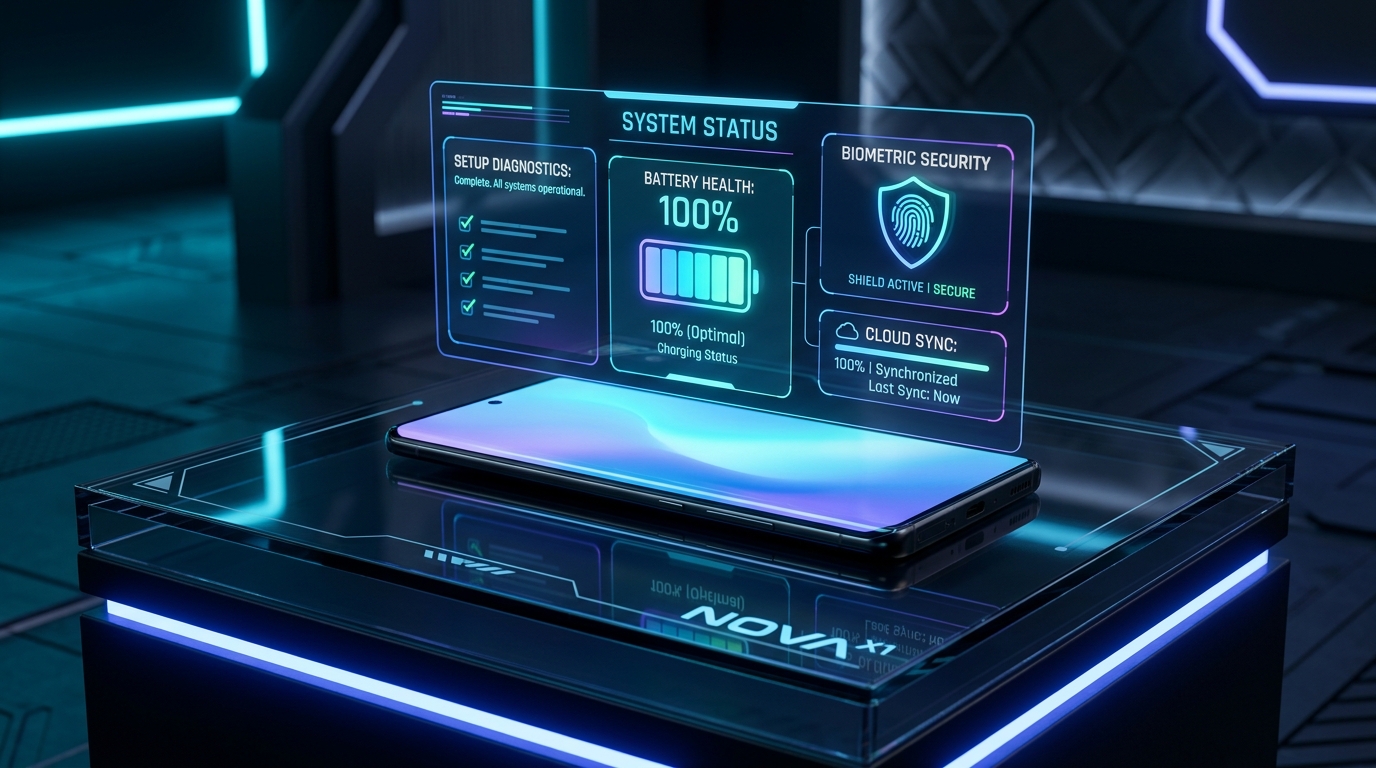
Table of Contents
Essential First-Time Setup and Migration
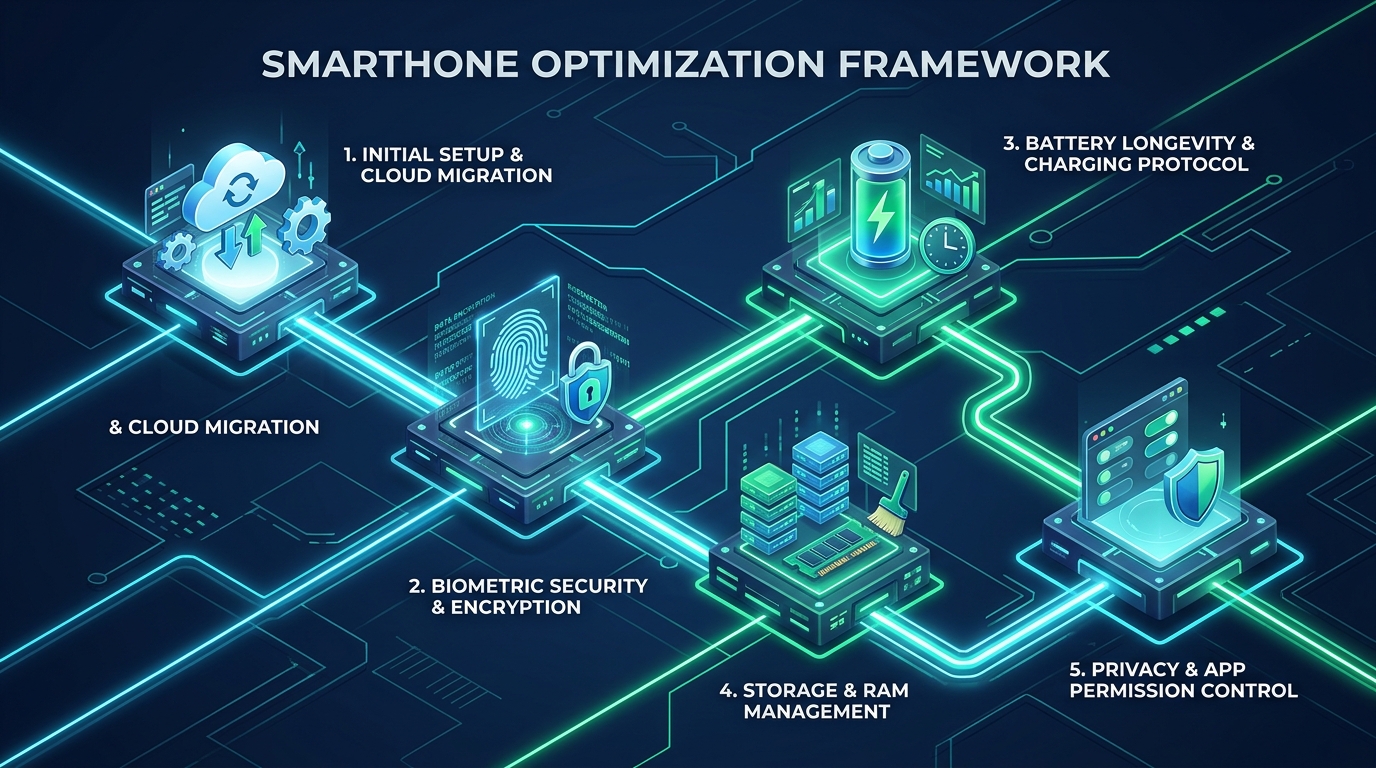
When unboxing a new device, initial setup establishes the foundation for your long-term user experience. An effective smartphone guide emphasizes clean data migration rather than restoring bloated legacy backups that frequently carry over corrupted application caches and obsolete system configurations.
Modern mobile operating systems from Google Android Support and Apple Support provide high-speed direct transfer utilities. Migrating data through a physical USB-C cable is significantly faster and less prone to packet loss than over-the-air wireless transfer. Cable transfers securely migrate high-resolution media libraries, contact databases, and authenticator tokens without unnecessary network lag.
Device Security and Privacy Hardening
Smartphones store our most sensitive personal records, two-factor credentials, and financial accounts. As highlighted in our recent mobile security alert, maintaining rigorous cybersecurity habits is essential for preventing identity theft and unauthorized device intrusion.
Follow these essential security steps recommended in this smartphone guide:
- Enable Multi-Factor Biometrics: Register 3D face recognition or ultrasonic fingerprint authentication, backed by a strong alphanumeric passcode rather than a simple 4-digit numeric code.
- Turn On Stolen Device Protection: Activate mandatory biometric security delays for sensitive credential modifications when away from trusted home or work locations.
- Audit Sensor and Location Permissions: Restrict location telemetry to “Only While Using the App” and immediately revoke microphone or camera access from casual utilities and games.
- Configure Encrypted DNS over TLS (DoT): Implement a trusted Private DNS resolver (such as Cloudflare 1.1.1.1 or AdGuard DNS) to encrypt DNS queries and block tracking domains at the socket layer.
- Install Firmware and Security Patches Promptly: Operating system vulnerabilities are actively patched each month. Updating firmware ensures zero-day exploits are neutralized, as discussed in the Android update roadmap and iOS platform releases.
Battery Health Preservation and Charging Habits
Modern lithium-ion batteries degrade naturally over time, but excessive thermal exposure and sustained high-voltage states drastically accelerate chemical breakdown. An indispensable part of this smartphone guide is implementing hardware-aware charging habits to preserve maximum capacity over years of daily usage:
- Adopt the 80% Battery Charge Limit: Activate built-in battery protection toggles that cap daily charging at 80%. This prevents continuous high-voltage trickle charging overnight, reducing electrode crystallization.
- Avoid Extreme Thermal Exposure: Never leave your smartphone on a sunny vehicle dashboard or fast-charging under heavy bedding. Heat is the leading cause of permanent lithium cell wear.
- Utilize Adaptive Display Refresh Rates: Allow your display controller to dynamically scale between 1Hz and 120Hz (LTPO) instead of forcing continuous peak frequency during static reading.
- Deploy Pure Black Dark Themes: On OLED and AMOLED displays, pure black pixels (#000000) turn off completely, yielding 15% to 20% power savings during active screen time.
For additional practical charging techniques, explore our dedicated breakdown of mobile tips and tricks designed for power users.
Storage Management and System Performance
When internal solid-state storage exceeds 85% capacity, read and write performance degrades significantly because wear-leveling controllers run out of free allocation blocks. This smartphone guide recommends proactive storage hygiene across your smart mobile gadgets:
- Offload or Archive Inactive Applications: Use iOS “Offload Unused Apps” or Android “App Archiving” to remove heavy binary executables while keeping user configurations and local documents intact.
- Purge System Browser and Webview Caches: Mobile browsers like Chrome and Safari accumulate large script caches over time. Clearing cached web data regularly prevents webview crashes and frees volatile memory.
- Leverage Cloud Photo Optimization: Store full-resolution media in secure cloud repositories like Google Photos or iCloud while keeping lightweight device-optimized previews on local storage.
- Adjust Animation Speeds in Developer Menus: Lowering window and transition animation scales to 0.5x in Android Developer Options makes interface responsiveness feel instantaneous.
Wireless Connectivity and Network Tuning
A reliable data connection is essential for cloud synchronization and seamless video streaming. A thorough smartphone guide ensures your wireless transceivers are configured for maximum speed and minimal power consumption:
- Disable 5G Standalone in Marginal Coverage Areas: When 5G signal reception is weak, modern cellular modems expend excessive wattage boosting transmission amplification. Switching to LTE/4G provides rock-solid data throughput and saves battery.
- Prioritize Wi-Fi Calling for Indoor Environments: In buildings with poor cellular reception, Wi-Fi calling routes voice audio through your broadband connection, preventing modem drain caused by low-signal searching.
- Utilize eSIM for Multi-Carrier Flexibility: Modern handsets support digital eSIM profiles, allowing you to easily switch carriers during international travel without swapping physical SIM cards.
- Manage Bluetooth Peripheral Pairing: Remove unused Bluetooth pairings from your device list to prevent lingering polling processes from waking your phone from deep sleep states.
App Management and Digital Wellness
Managing notifications and screen time is essential for personal focus and preventing digital burnout. An advanced smartphone guide encourages users to build intentional digital boundaries:
- Configure Contextual Focus Modes: Create custom focus profiles for work, driving, and sleep to silence non-critical notifications automatically based on time or geographic location.
- Streamline Home Screen Layouts: Keep your primary screen minimal with essential widgets and daily tools, relying on the App Library or App Drawer for less frequent applications.
- Audit Notification Channels: Disable promotional and marketing push notifications inside app settings to reduce unnecessary screen wake-ups.
- Cross-Platform Productivity Integration: Connect clipboard syncing between your phone and computer to transfer text and links seamlessly between different types of software.
Cross-Platform Management Comparison
Both leading operating systems provide robust tools for customization and device maintenance. The comparison table below summarizes how each ecosystem implements core management features in this smartphone guide:
| Management Area | Android Ecosystem | iOS Ecosystem | Recommended Best Practice |
|---|---|---|---|
| Initial Setup | Google Cable Transfer | Quick Start Cable Migration | Use USB-C physical cable for fastest transfer |
| Battery Protection | Protect Battery (80% Limit) | Optimized / 80% Limit | Cap daily charge at 80% for maximum lifespan |
| Storage Recovery | App Archiving & Files by Google | Offload Unused Apps | Keep at least 15% free solid-state storage |
| Security Hardening | Private DNS & App Permissions | Stolen Device Protection & Private Relay | Enable biometric verification delays |
| Network Tuning | Adaptive Connectivity Toggle | Wi-Fi Assist & Cellular Data Options | Switch to 4G in low-signal 5G environments |
| Automation Engine | Modes and Routines / Tasker | Apple Shortcuts App | Automate focus profiles and weekly restarts |
According to hardware design standards published by the IEEE Standards Association, software-driven thermal regulation and periodic system reboots remain the most reliable methods for maximizing semiconductor efficiency in consumer electronics.
Frequently Asked Questions
Summary and Long-Term Maintenance
Modern smartphones are incredible technological tools that reward disciplined management. By applying the practical steps outlined in this smartphone guide, you can maintain lightning-fast responsiveness, protect your personal privacy, and keep your battery healthy for years of daily use.
Invest a few moments today to adjust your power settings, audit app permissions, and automate maintenance routines. Following this trusted smartphone guide guarantees a seamless, secure, and productive smartphone experience.
Deepen your technology expertise: review our comprehensive guide on cybersecurity fundamentals, discover how to protect your personal information with digital privacy best practices, or learn about our editorial team on the About Us overview!